
Two Cats, One Wall: How to Make a Matching Portrait Pair
Learn to photograph two cats together or create a coordinated pair of individual cat portraits, keeping each cat’s markings and personality distinct.
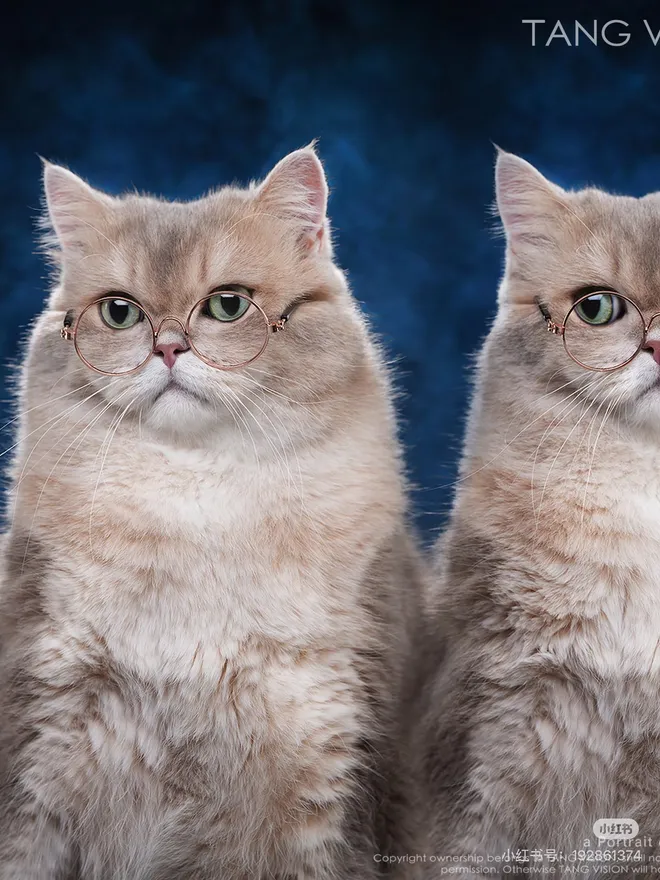
One cat claims the windowsill, the other prefers the rug underneath. You can still give them equal billing on your wall. First decide what you want to remember: the way they share a space, or the details that make each one unmistakable.
For a real photo together, wait for the overlap
Start in a spot both cats already visit. Sit far enough back to include both tails, and wait until they settle. Try a bench, two levels of a cat tree, or a patch of light wide enough for both. If one cat leaves, let the picture go. Two comfortable cats in different places make better subjects than two reluctant cats held together.
For matching AI portraits, keep separate sets
Make one folder per cat. For each, pick a clear front view and a second angle that shows an identifying feature. A similar eye level and direction of light across the two sets will help the portraits look at home together.
In SoulPaw Studio, create the first portrait using only the first cat’s photos. Start a separate creation with the second cat’s references and select the same template. This gives you two individual pictures to arrange as a pair.
Hang them as a conversation
Set the downloaded images side by side and adjust the crops so the eyes sit at a similar height. If one cat is noticeably smaller in life, leave that difference visible. Think twice before mirroring a portrait just to have the cats face each other: the ginger spot over a left eye belongs on the left.
For a pair of frames, print small paper proofs and tape them to the wall first. Move them closer together or farther apart until they look like a pair from your usual seat.