How to Choose Reference Photos for Your Cat’s AI Portrait
Build a set of two to four reference photos that show your cat’s eyes, coat markings, and face shape clearly. Learn which pictures to leave out.
A blur of paws halfway off the sofa can be the funniest photo in your camera roll. It tells a great story, but it may hide the fact that one of your cat’s white front socks is shorter than the other. For a portrait that looks like your cat, those little details matter.
Start with the face you recognize
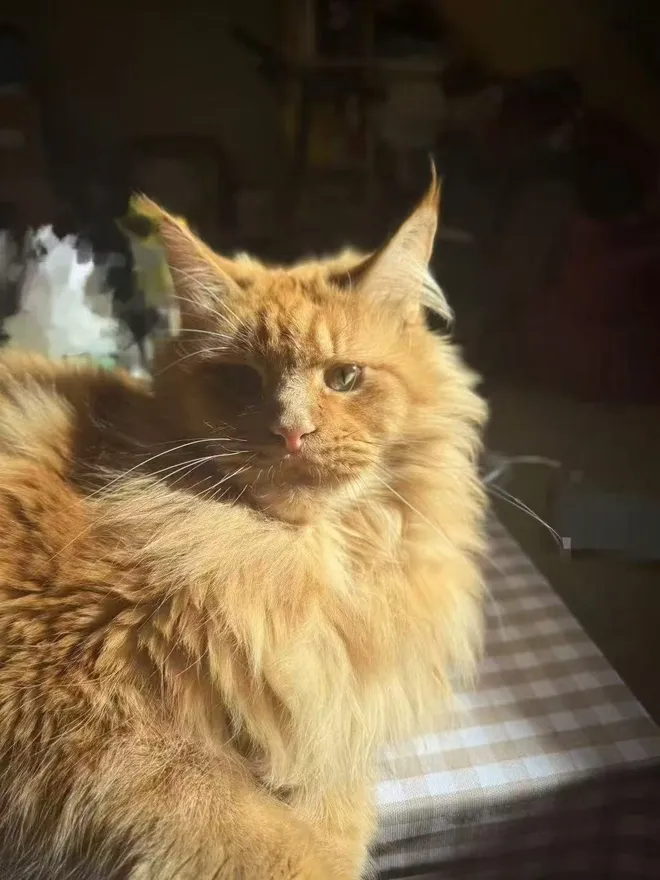
Look for a photo taken at eye level in soft daylight. Zoom in on the eyes. If you can see the edge of each eyelid and where the fur changes color around the nose, keep it. A picture taken beside a window usually gives you a truer sense of coat color than one taken under a yellow lamp.
Give each extra photo a job
SoulPaw recommends two to four clear references. Start with a front view, then look for a three-quarter view that shows the cheek and one side of the body. If a white bib, bent ear, or striped tail is part of what makes your cat recognizable, use another frame to show it. Four near-identical shots add little to the first.
Check the set together
- Use photos of the same cat at roughly the same age.
- Leave out beauty filters, motion blur, and screenshots with text over the face.
- Keep ears and whiskers inside the frame. Crop clutter only if you can keep those edges.
- If two photos make the coat look different colors, keep the one closest to what you see by daylight.
Open your references beside your finished portrait. Check the nose marking, eye color, and outline of the ears before deciding whether to try another style. Choose a portrait style in SoulPaw Studio.