Watercolor Portrait
Soft washes, pale paper texture, and gently fading edges suit a quiet keepsake. Explore the watercolor guide if you prefer a painted appearance with plenty of breathing room around the face.
Your pet, a new perspective
Create a pet portrait from photo in about 60 seconds with SoulPaw. Upload your dog or cat, choose a look, and download a digital image. This is AI-generated artwork: there is no artist appointment, hand-painted original, or physical delivery to wait for.
Choose from 56 templates, including soft watercolor, royal oil-painting looks, studio portraits, and playful costumes. Start with a favorite phone photo and compare the result before saving a keepsake, sharing a greeting, or planning a print.
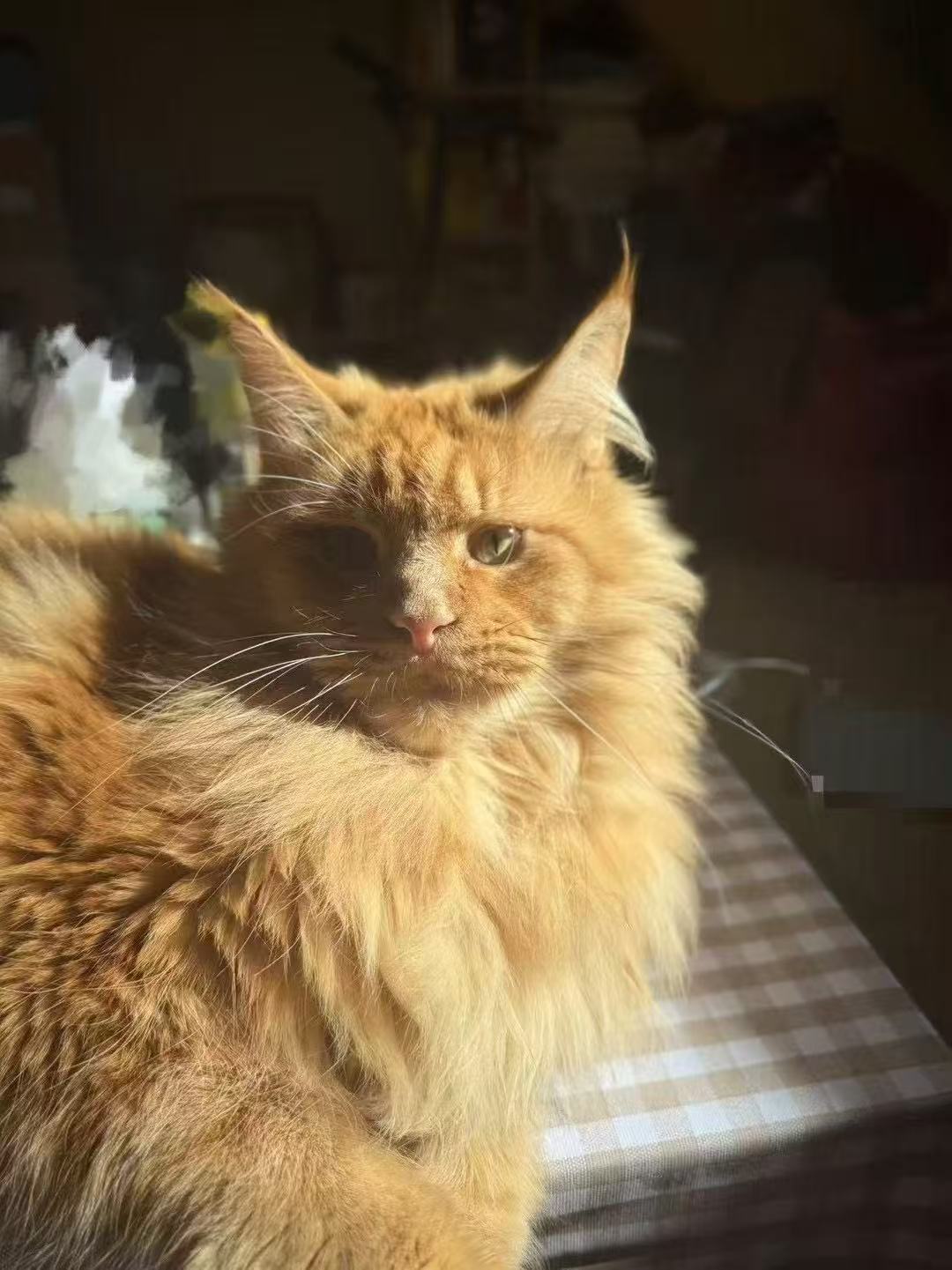
Original photo
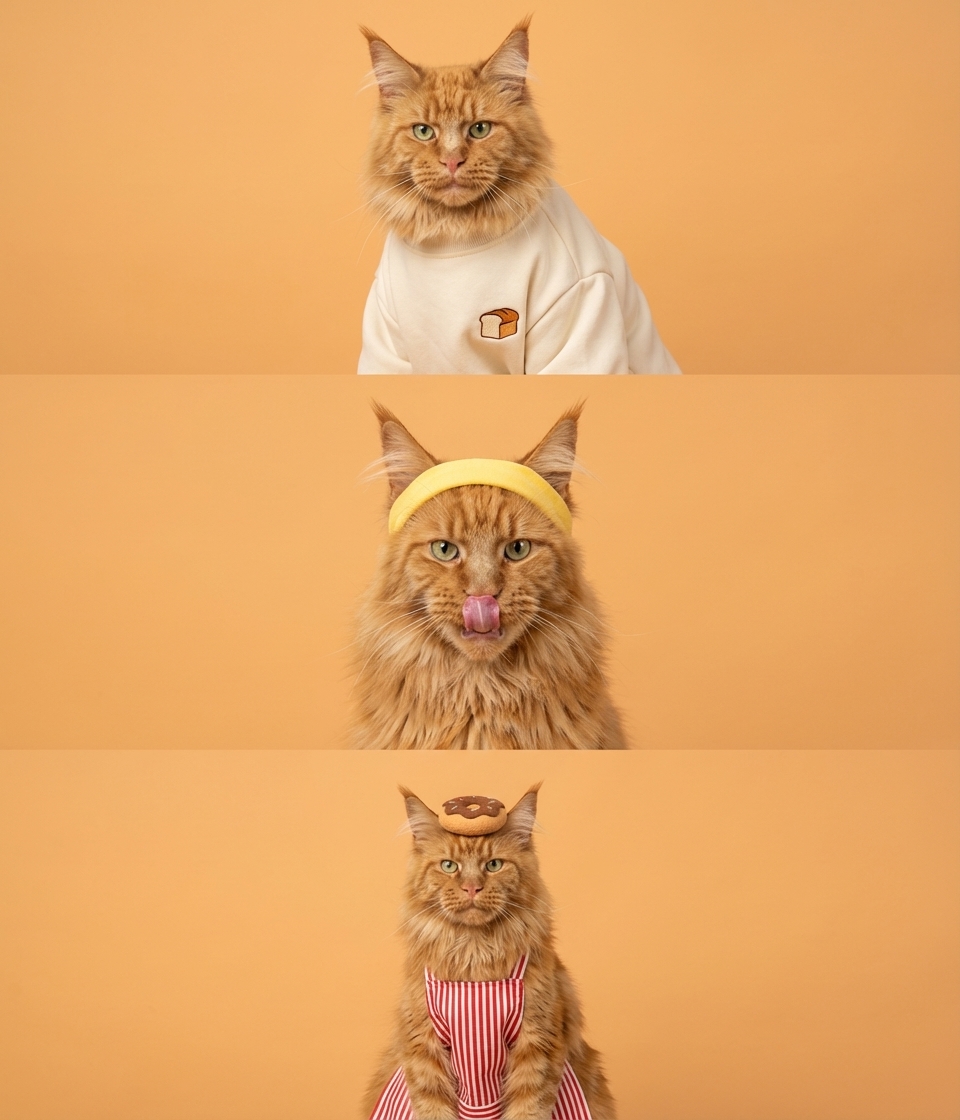
AI portrait
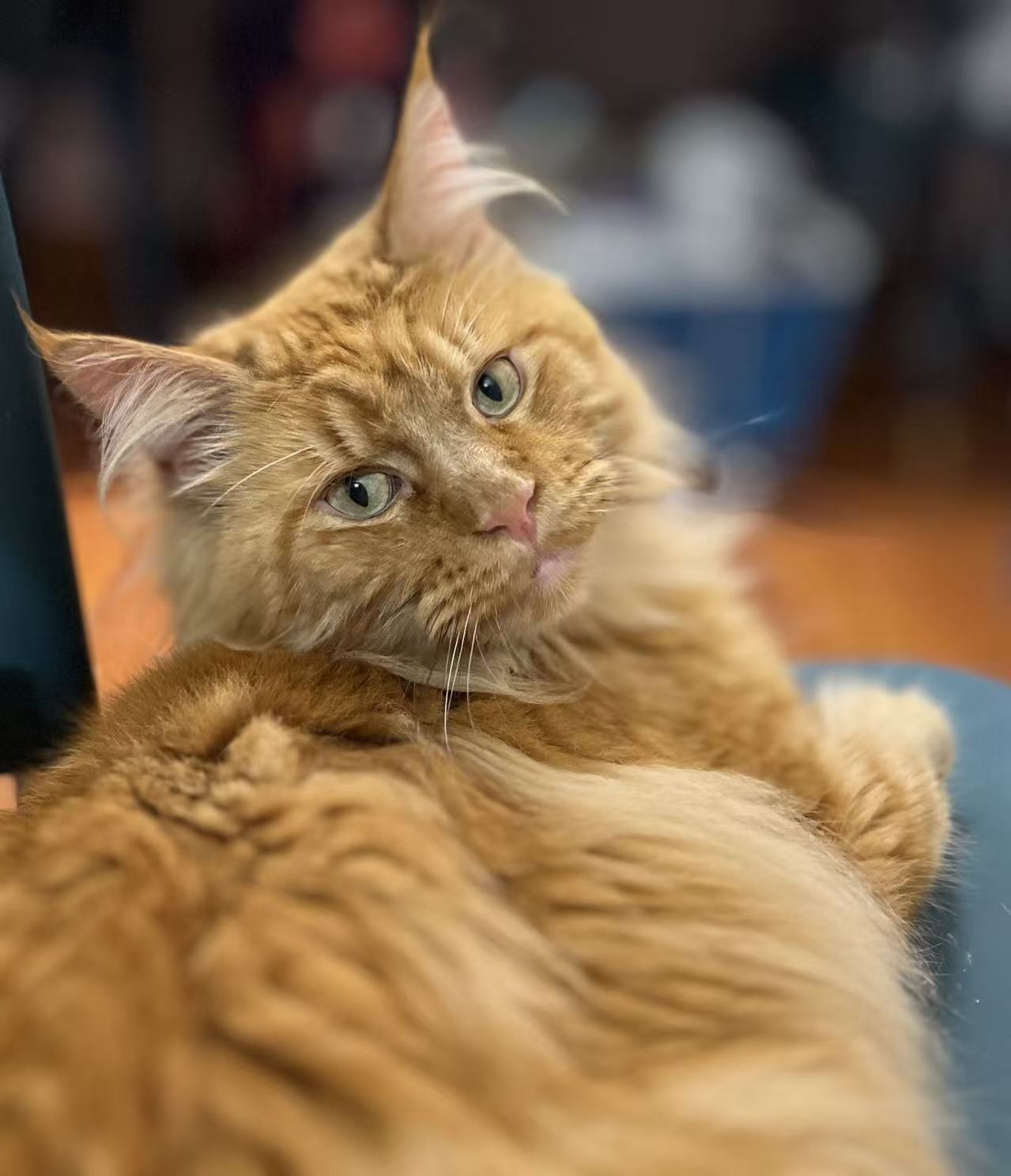
Original photo
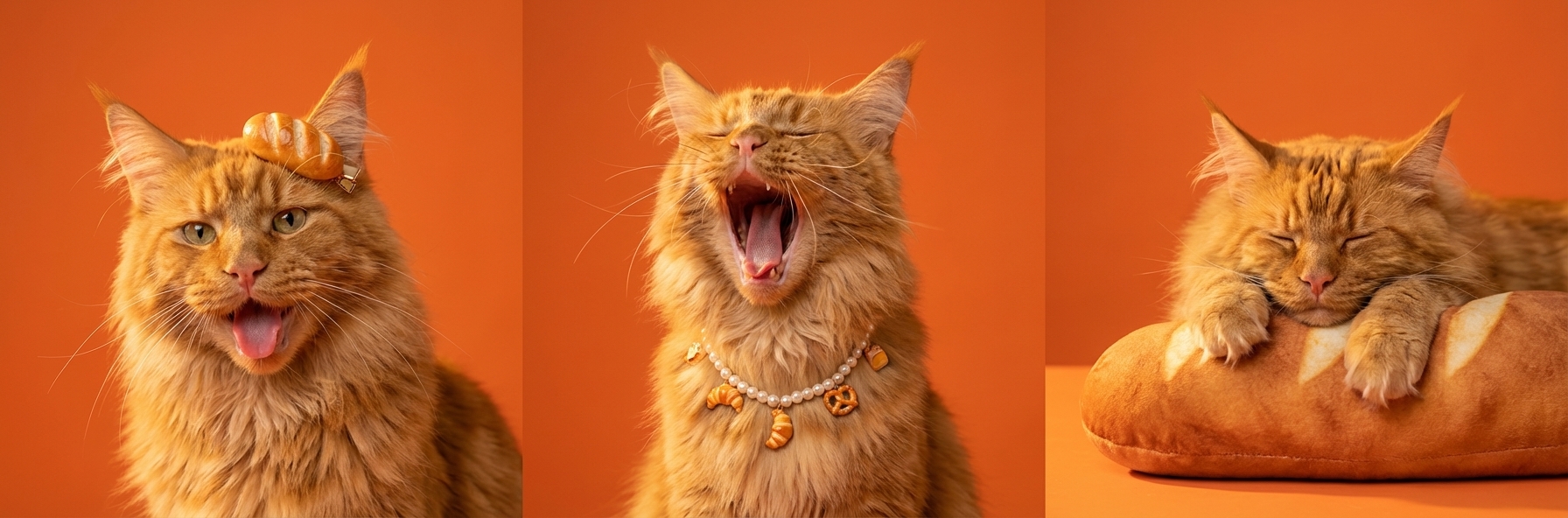
AI portrait
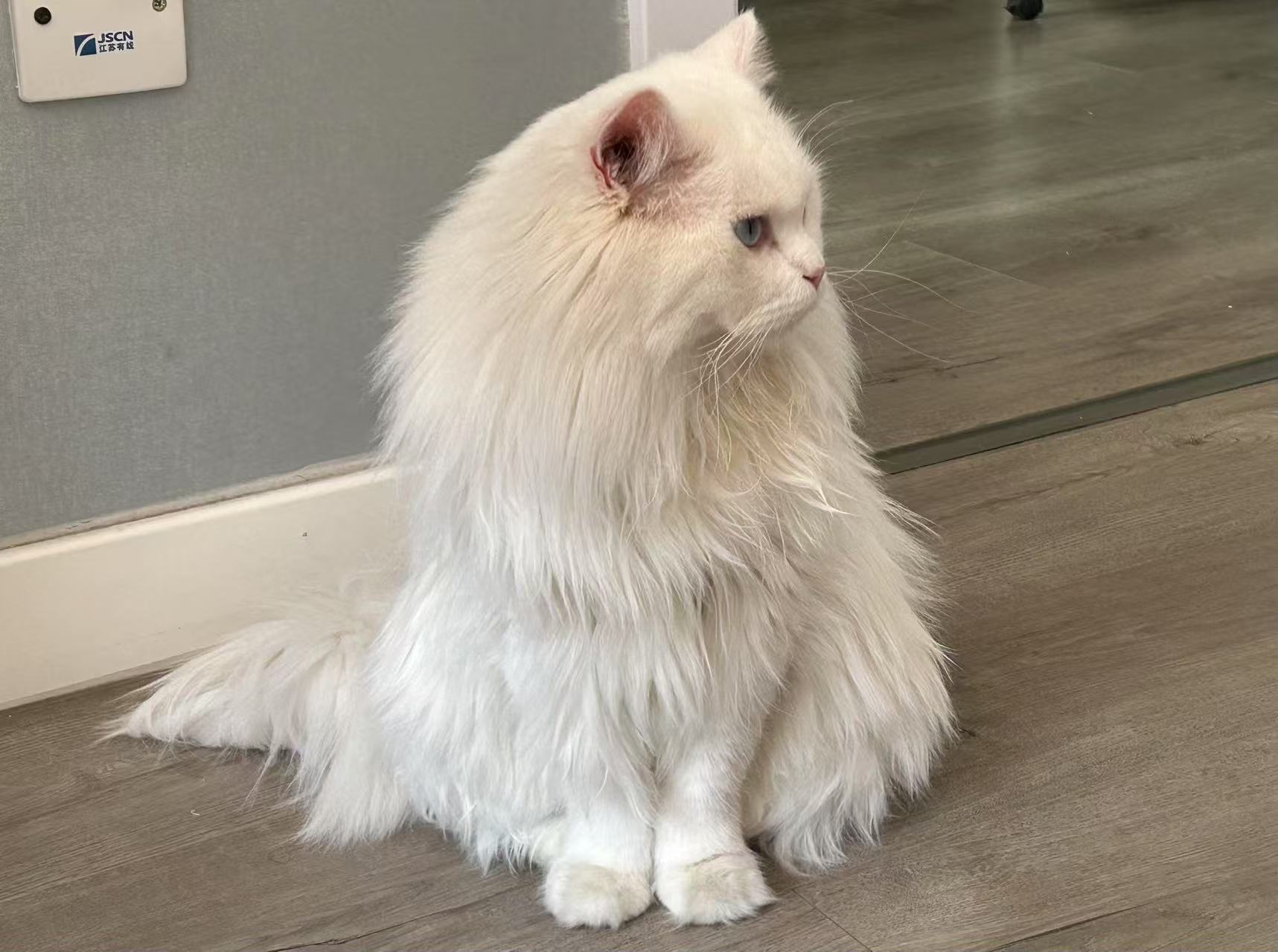
Original photo
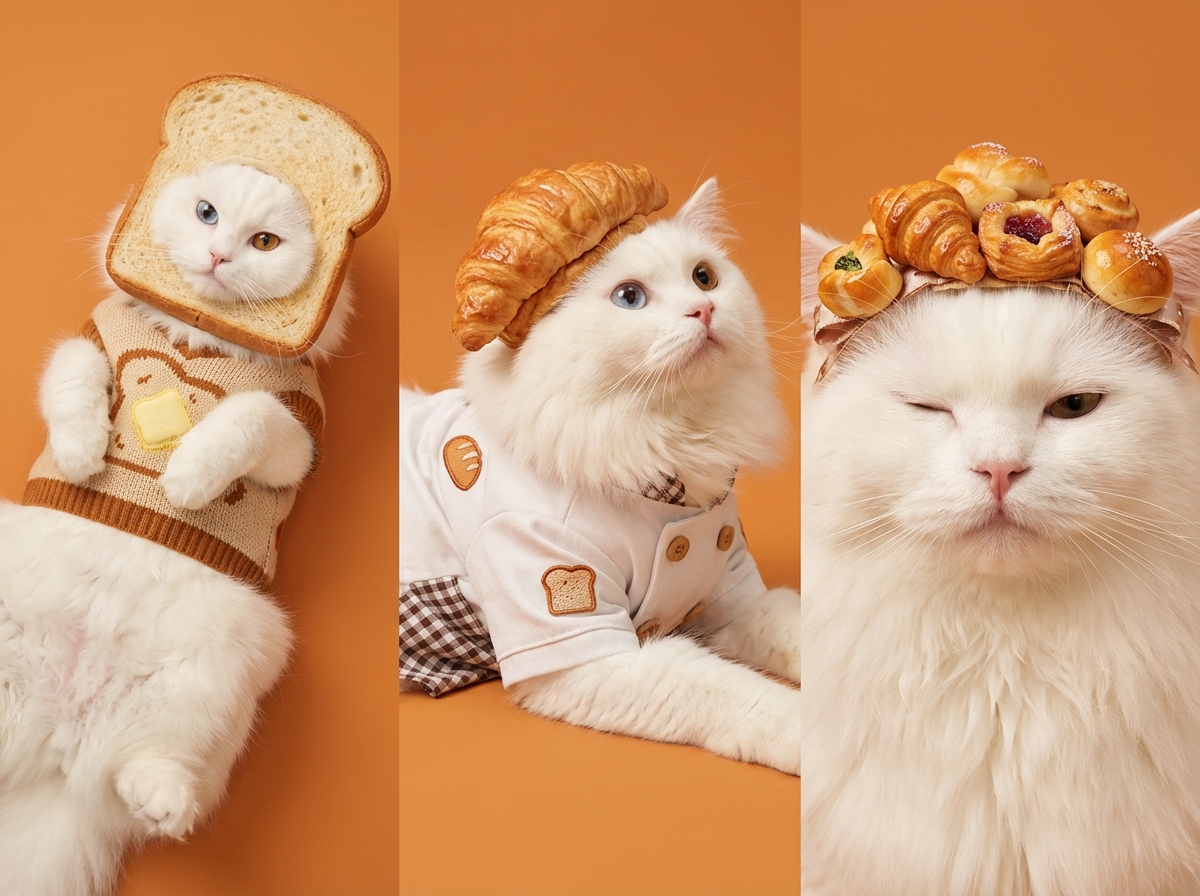
AI portrait
Existing SoulPaw examples show creative changes to pose, clothing, and setting. Individual results vary with the photo and template.
Sign in to the studio and select a photo you have permission to use. Keep one pet clearly visible. A recognizable face and accurate coat color give the generator useful reference details.
Browse the templates and pick the mood you want. Consider whether a painted keepsake, a clean studio scene, or a playful costume fits the occasion. Purchase credits before starting a generation.
Generation is expected to take about 60 seconds. Check the face, markings, and any accessories, then download your JPEG. Another successful version uses another credit, so choose your next variation deliberately.
For a recognizable pet portrait from photo, begin with the face. Photograph your pet near their eye level in soft natural light. A front-facing view or gentle three-quarter angle usually makes both the expression and identifying markings easier to see. Leave space around the ears instead of cropping them away.
Avoid strong backlighting, heavy filters, motion blur, and objects covering the muzzle. If the eyes disappear into shadow, choose another image. When adding references, use the same pet in each one. A second clear angle can provide more useful information than several nearly identical, blurry snapshots.
Both approaches start with your companion, but they offer different experiences. Choose an artist when the physical brushwork and a personal commission process matter most. Choose SoulPaw when you want to explore visual directions and receive a digital result without arranging a commission or delivery.
| Consideration | SoulPaw AI | Hand-painted commission |
|---|---|---|
| Time | About 60 seconds to generate | Artist-dependent; confirm the schedule and shipping |
| Price | $4.99 USD for 12 credits | Ask for a quote based on medium, size, and detail |
| Changes | 1 credit for each successful new generation | Revision terms depend on the artist’s agreement |
| Delivery | Downloadable JPEG digital image | Confirm whether the order includes an original, print, or file |
These six featured templates offer a starting point within the full collection of 56. Browse all pet art styles to compare their previews, or read the watercolor pet portrait guide for a closer look at soft painted effects.
Soft washes, pale paper texture, and gently fading edges suit a quiet keepsake. Explore the watercolor guide if you prefer a painted appearance with plenty of breathing room around the face.
A crown, velvet robe, and classical backdrop create a theatrical oil-painting look. Choose this direction when you want rich color and a portrait that celebrates your pet’s grandest personality.
A clean white studio setting combines playful and calm expressions in one collage. It works as a compact way to show several sides of the same companion without a busy scene.
This white-background collage explores a wink, a relaxed expression, and an attentive pose. It offers a lighter, photographic mood when elaborate costumes would distract from the face you love.
A lively studio series adds expressive gestures and a raised paw. Consider it for a cheerful digital greeting, while reviewing the generated paws and expressions before sharing your chosen result.
Bakery accessories and a warm orange background make a playful costume portrait. The examples above show how this broader bakery theme can turn ordinary reference photos into an imaginative studio scene.
The Starter Pack is $4.99 USD for 12 credits as a one-time purchase. Pro Monthly is $9.90 USD per month with 40 monthly credits. Pro Annual costs $79.00 USD per year with the same monthly allowance. Each successful generation uses 1 credit; creating another version also uses a credit.
Check the pricing page for current plan details. Printing is a separate purchase from a printer of your choice. Check the actual downloaded pixel dimensions, preview your crop, and ask the printer about a suitable paper size.
Open the studio, sign in, upload a clear photo, and choose a template. Check your credit balance, then generate. Aim for about 60 seconds of generation time; availability and the image request can affect the wait. Review the portrait before downloading.
It is an AI-generated digital image. Painted styles imitate visual qualities such as watercolor washes or oil-painting textures. Your order does not include an original painting, canvas, frame, or shipping. You can arrange printing separately after checking the downloaded file.
The Starter Pack costs $4.99 USD for 12 credits. Each successful generation uses 1 credit, including another version made with a different template or photo. You choose how many alternatives to create within your available balance; revisions are not unlimited or included as an artist’s service.
Yes. Start with one pet whose face and markings are clearly visible. Check the chosen template’s species guidance and keep reference photos focused on that same pet. Additional clear views can help when a single photo hides an ear, eye, or part of the face.
The generator uses your uploaded pet as a visual reference, but AI can change fine details, expressions, or proportions. Compare the eyes, ears, coat pattern, and paws with the original. If an important detail looks wrong, try a clearer reference or another generation before printing.
Bring a clear reference and a style in mind. You can explore the AI pet portrait generator guide for more context, or open the studio when you are ready to create.
Create Your Pet Portrait